Hướng dẫn sửa lỗi Recovery Server Could Not be Contacted on Mac OS
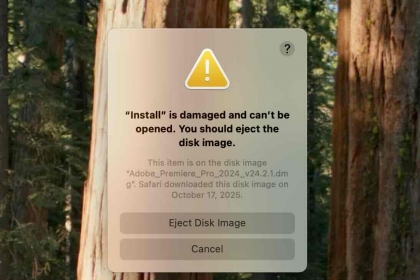
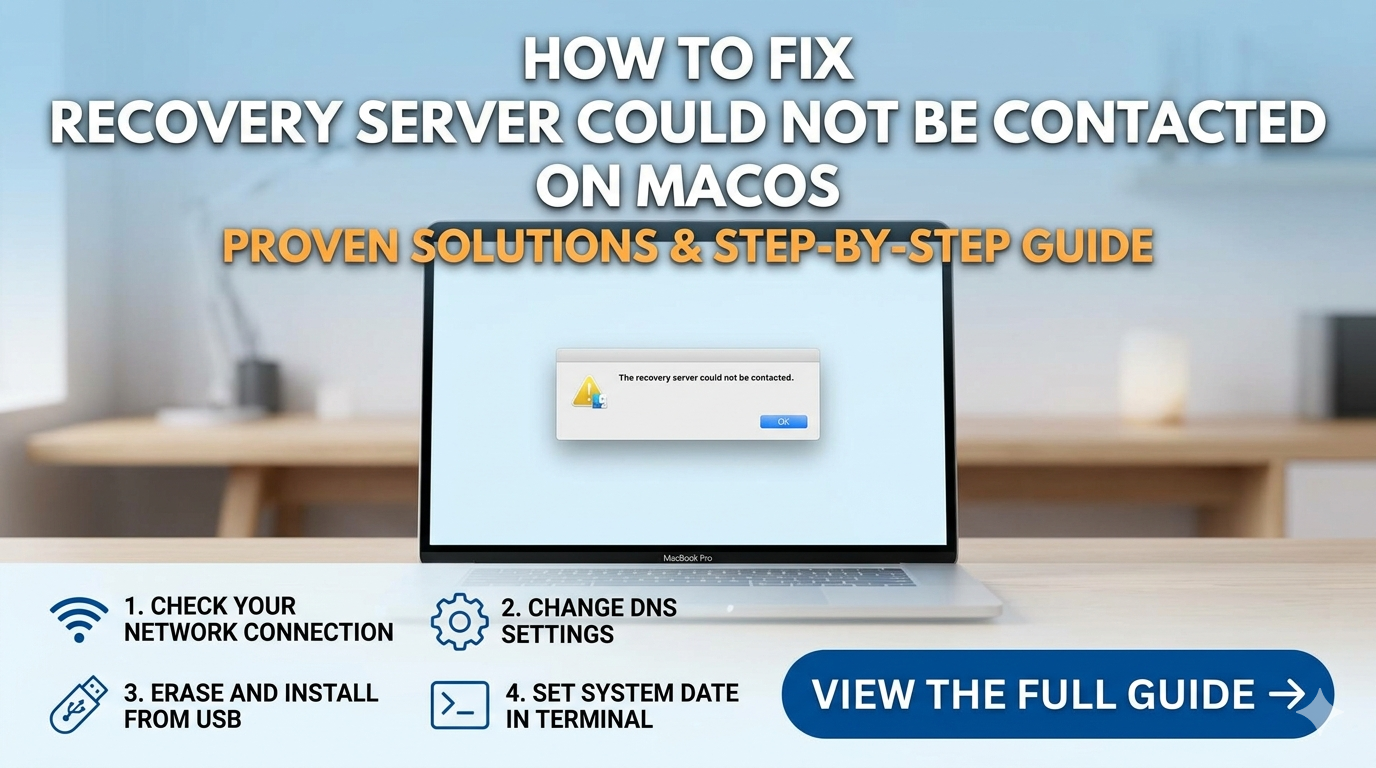
Trong quá trình cài đặt Mac os thỉnh thoảng sảy ra lỗi trong khi cài đặt , không thể kết nối với server
các bạn làm theo cách dưới đây .
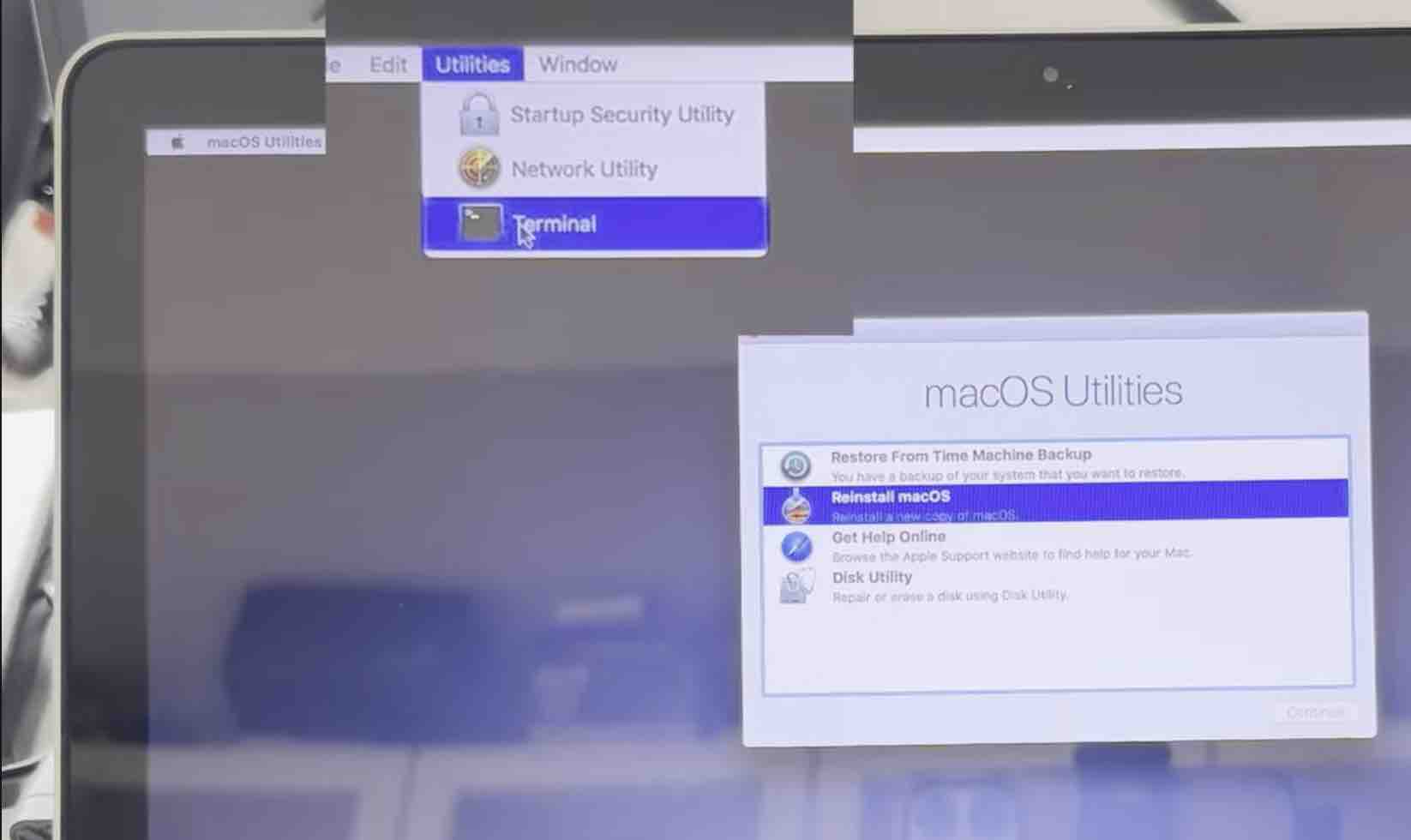
trên thanh công cụ các bạn chọn
Utilities >> Terminal
các bạn copy đoạn code như sau
nvram IASUCatalogURL= copy đoạn link dưới đây theo tương ứng với hệ điều hành mac os đang cài
NHỚ : XOÁ CHỮ S Ở PHẦN HTTPS. > CHUYỂN SANG THÀNH >>> HTTP PHẦN CÒN LẠI GIỮ NGHUYÊN
VÍ DỤ
https://swscan.apple.com/content/catalogs/others/index-10.13-10.12-10.11-10.10-10.9-mountainlion-lion-snowleopard-leopard.merged-1.sucatalog
THÀNH
http://swscan.apple.com/content/catalogs/others/index-10.13-10.12-10.11-10.10-10.9-mountainlion-lion-snowleopard-leopard.merged-1.sucatalog
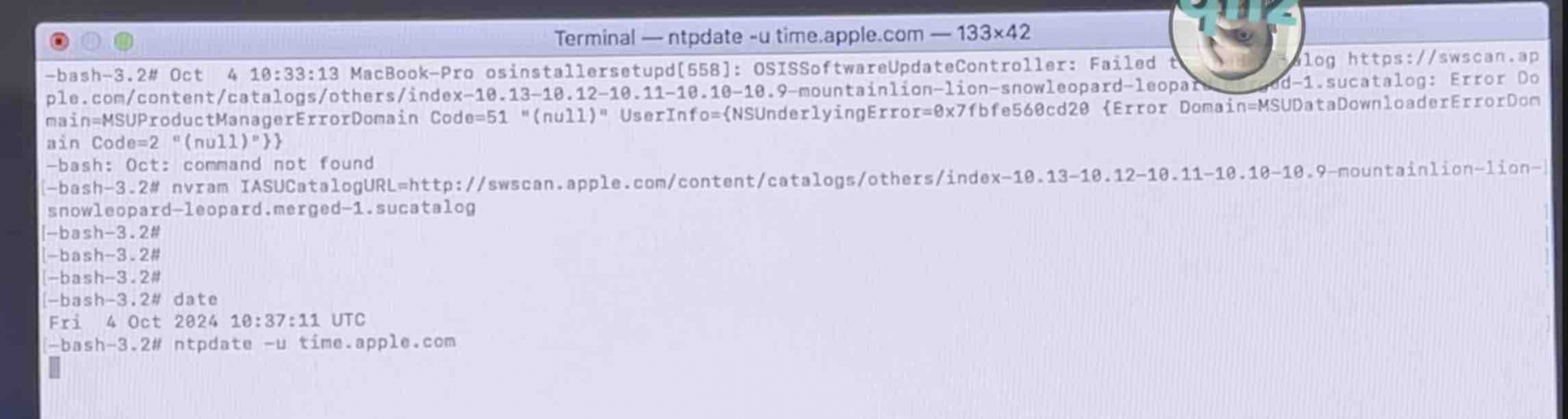
Trong Terminal mình sẽ viết tổng thể là
Trên là ví dụ , các bạn sẽ copy tương ứng với hệ điều hành đang gặp phải nhé !
Tiếp theo bước trên là cập nhật lại ngày giờ hiện tại cho hệ thống theo giờ của apple
ntupdate -u time.apple.com
Làm như thế này trong terminal là OK
10.7 (Lion)
10.8 (Mountain Lion)
- https://swscan.apple.com/content/catalogs/others/index-mountainlion-lion-snowleopard-leopard.merged-1.sucatalog
- https://swscan.apple.com/content/catalogs/others/index-mountainlionseed-mountainlion-lion-snowleopard-leopard.merged-1.sucatalog
10.9 (Mavericks)
- https://swscan.apple.com/content/catalogs/others/index-10.9-mountainlion-lion-snowleopard-leopard.merged-1.sucatalog
- https://swscan.apple.com/content/catalogs/others/index-10.9seed-10.9-mountainlion-lion-snowleopard-leopard.merged-1.sucatalog
10.10 (Yosemite)
- https://swscan.apple.com/content/catalogs/others/index-10.10-10.9-mountainlion-lion-snowleopard-leopard.merged-1.sucatalog
- https://swscan.apple.com/content/catalogs/others/index-10.10seed-10.10-10.9-mountainlion-lion-snowleopard-leopard.merged-1.sucatalog
- https://swscan.apple.com/content/catalogs/others/index-10.10beta-10.10-10.9-mountainlion-lion-snowleopard-leopard.merged-1.sucatalog
10.11 (El Capitan)
- https://swscan.apple.com/content/catalogs/others/index-10.11-10.10-10.9-mountainlion-lion-snowleopard-leopard.merged-1.sucatalog
- https://swscan.apple.com/content/catalogs/others/index-10.11seed-10.11-10.10-10.9-mountainlion-lion-snowleopard-leopard.merged-1.sucatalog
- https://swscan.apple.com/content/catalogs/others/index-10.11beta-10.11-10.10-10.9-mountainlion-lion-snowleopard-leopard.merged-1.sucatalog
10.12 (Sierra)
- https://swscan.apple.com/content/catalogs/others/index-10.12-10.11-10.10-10.9-mountainlion-lion-snowleopard-leopard.merged-1.sucatalog
- https://swscan.apple.com/content/catalogs/others/index-10.12seed-10.12-10.11-10.10-10.9-mountainlion-lion-snowleopard-leopard.merged-1.sucatalog
- https://swscan.apple.com/content/catalogs/others/index-10.12beta-10.12-10.11-10.10-10.9-mountainlion-lion-snowleopard-leopard.merged-1.sucatalog
10.13 (High Sierra)
- https://swscan.apple.com/content/catalogs/others/index-10.13-10.12-10.11-10.10-10.9-mountainlion-lion-snowleopard-leopard.merged-1.sucatalog
- https://swscan.apple.com/content/catalogs/others/index-10.13seed-10.13-10.12-10.11-10.10-10.9-mountainlion-lion-snowleopard-leopard.merged-1.sucatalog
- https://swscan.apple.com/content/catalogs/others/index-10.13beta-10.13-10.12-10.11-10.10-10.9-mountainlion-lion-snowleopard-leopard.merged-1.sucatalog
10.14 (Mojave):
- https://swscan.apple.com/content/catalogs/others/index-10.14-10.13-10.12-10.11-10.10-10.9-mountainlion-lion-snowleopard-leopard.merged-1.sucatalog
- https://swscan.apple.com/content/catalogs/others/index-10.14seed-10.14-10.13-10.12-10.11-10.10-10.9-mountainlion-lion-snowleopard-leopard.merged-1.sucatalog
- https://swscan.apple.com/content/catalogs/others/index-10.14beta-10.14-10.13-10.12-10.11-10.10-10.9-mountainlion-lion-snowleopard-leopard.merged-1.sucatalog
10.15, 10.16(aka. 11.0 Beta)